A community event listing should do more than announce that something is happening. It should help a reader decide whether the event is worth attending, understand what to expect, and know exactly where and when to go. A vague listing can leave people searching for basic details, while a useful one can turn a simple announcement into real attendance.
Whether you are submitting a neighborhood gathering, charity fundraiser, workshop, school activity, cultural celebration, public meeting, or local market, the goal is the same: make the information easy to find and easy to act on. Think of your listing as a small roadmap. The reader should not have to guess what comes next.
Basics
Start with the information readers need most.
Give the event a clear name, date, starting time, ending time, and location. If registration is required, say so early. Include a website, email address, or phone number where readers can get more information.
A strong opening might answer five basic questions:
- What is happening?
- Who is organizing it?
- When is it happening?
- Where is it happening?
- Who can attend?
These details form the foundation of the listing. Without them, even an interesting event can feel difficult to attend.
Avoid relying on phrases such as “this weekend” or “next Friday.” Those expressions can become confusing when an event page is viewed later or shared on social media. Use the complete date instead.
Title
The title should tell readers what the event actually is.
“Community Fun Day” may sound friendly, but it does not tell someone much. A more useful title might be “San Ysidro Community Fun Day and Resource Fair” if that accurately describes the event.
Keep the title specific without making it unnecessarily long. Include the main activity or purpose when possible.
A good title can also help search engines understand the page. Someone looking for a neighborhood workshop, food drive, or community festival is more likely to find a listing that uses those words naturally.
Details
The description should provide enough context without becoming a wall of text.
Explain what visitors can expect when they arrive. If there will be performances, speakers, activities, food, vendors, demonstrations, or information booths, mention the main highlights.
Readers often want to know, “What will I actually do there?”
Answer that question directly.
For example, instead of saying an event will offer “various activities,” explain that attendees can join children’s crafts, speak with local organizations, listen to live music, and browse community information booths.
Specific details create a clearer picture and help readers decide whether the event fits their interests.
Timing
Time information deserves special attention because it affects the entire visit.
List the opening and closing times clearly. If registration, check-in, or a particular activity starts earlier than the main event, mention that separately.
For events with multiple activities, consider using a simple schedule.
| Activity | Time |
|---|---|
| Registration | 9:30 a.m. |
| Welcome | 10:00 a.m. |
| Main activities | 10:30 a.m. |
| Closing | 1:00 p.m. |
This format allows readers to scan the information quickly.
If an event may change because of weather, construction, staffing, or another factor, explain how updates will be announced.
Location
“Downtown” or “at the community center” may not be enough.
Provide the complete venue name and street address when appropriate. If the event takes place in a large facility, identify the entrance, room, building, or area if that information matters.
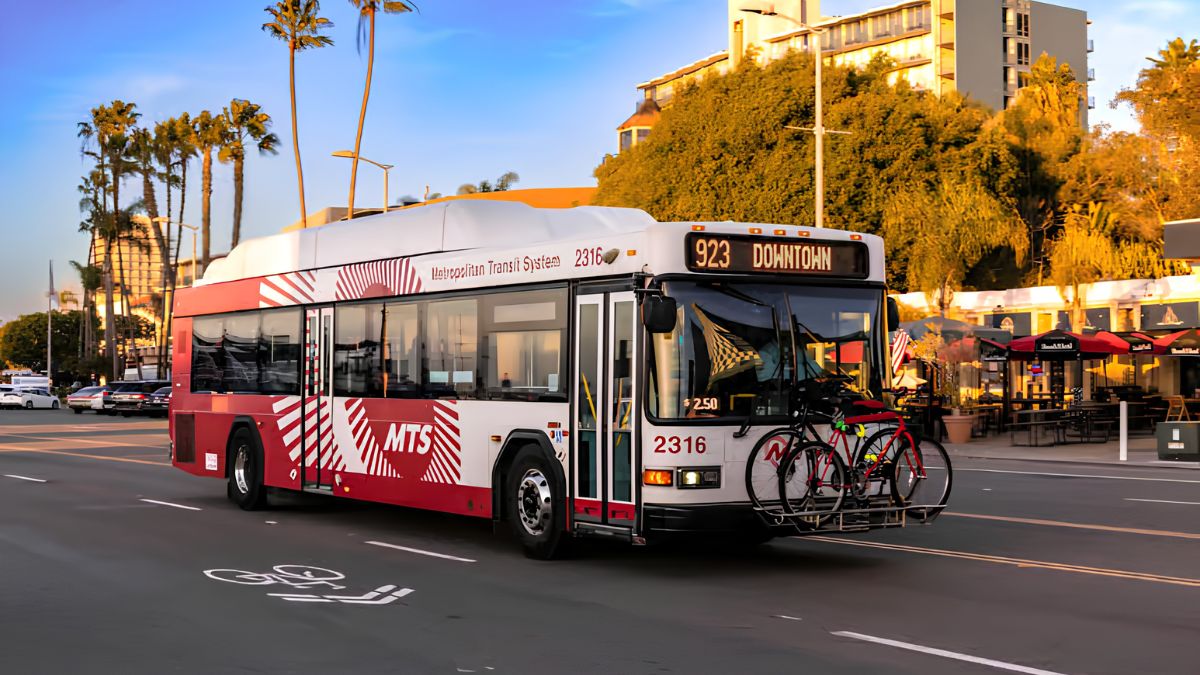
Parking information can also be useful. Tell readers whether parking is available, whether fees apply, or whether public transportation is a practical option.
If the location is difficult to find, add a short landmark or arrival instruction.
The idea is simple: imagine someone who has never visited the venue before. Could that person find the event without sending you another message?
Access
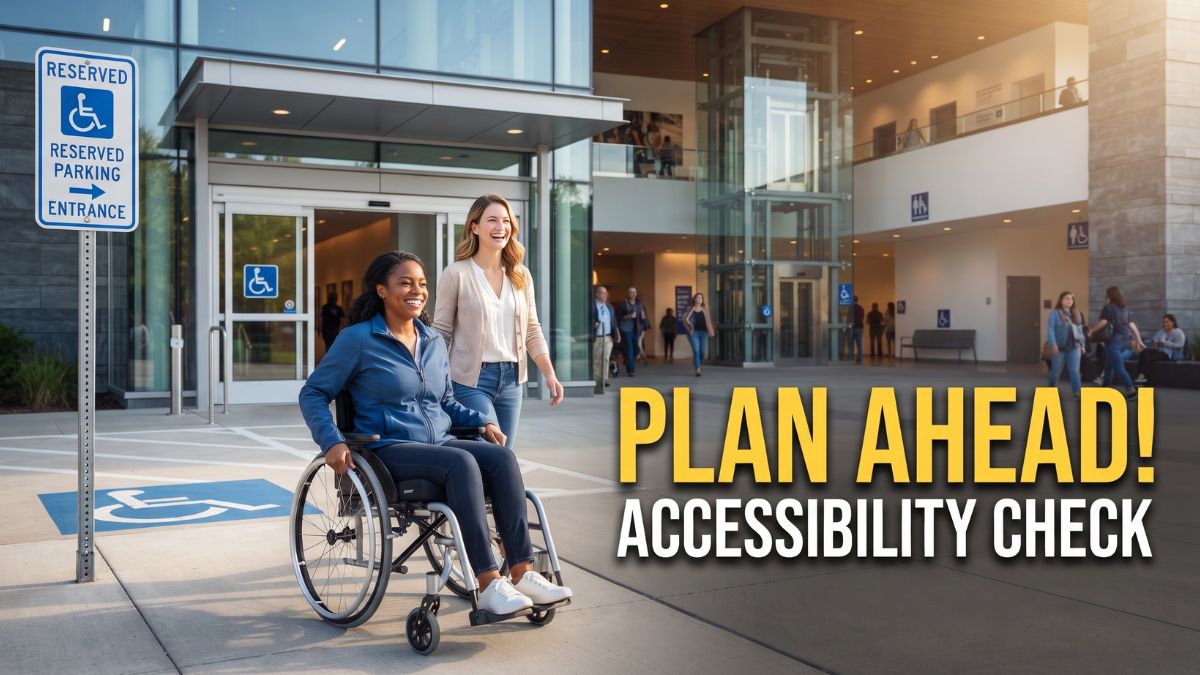
Accessibility information should be part of the listing, not an afterthought.
Mention accessible entrances, elevators, restrooms, seating, parking, or other features when you know them. If an attendee needs to request an accommodation, explain how and when to make that request.
You do not need to make assumptions about what people need. Instead, provide useful facts and a contact method for questions.
Information about service animals, quiet areas, accessible transportation, or sign-language interpretation can also be important when relevant.
A listing that answers accessibility questions early gives more people confidence about attending.
Cost
Never make readers hunt for the price.
Clearly state whether admission is free, paid, donation-based, or available at different prices. If there are separate costs for food, activities, parking, or materials, mention them.
For a free event, simply saying “Free admission” can remove an important barrier.
If registration is free but required, make that distinction clear. “Free with registration” communicates something very different from “No registration required.”
If tickets are limited, say so.
Registration
If attendees need to register, provide the correct process.
Include the registration link or explain where people can sign up. State whether registration closes on a particular date and whether walk-ins are accepted.
If tickets are sold through a third-party platform, make sure the listing clearly identifies the official registration source.
Also explain what happens after registration. Will attendees receive a confirmation email? Do they need to bring a ticket or identification? Is there a check-in desk?
Small details can prevent confusion on event day.
Audience
Tell readers who the event is designed for.
Some activities are open to everyone, while others are intended for children, older adults, families, business owners, volunteers, students, or members of a particular organization.
If age restrictions apply, state them plainly.
Do not use vague language such as “something for everyone” unless the event genuinely has broad activities and access. Specific audience information helps readers decide quickly.
Contact
Every listing should have a reliable way to ask questions.
Use an official event email address, phone number, website, or organizer contact. Make sure the contact information is current before submitting the listing.
If there are different contacts for registration and general questions, identify them separately.
A dead link or outdated phone number can undermine an otherwise excellent listing.
Accuracy
Before submitting, check every detail.
Confirm the date, time, venue, address, admission cost, registration instructions, contact information, and website. A single incorrect number can send people to the wrong place or cause them to miss the event.
Pay particular attention to recurring events. If the listing is reused each month, make sure old dates and outdated information have not slipped into the new version.
It helps to have another person read the listing before publication. Ask them to find the date, location, price, and registration information without assistance. If they struggle, readers probably will too.
Photos
A suitable photo can make a listing more appealing, but it should support the information rather than replace it.
Use a clear image that represents the event accurately. Avoid blurry photos, unrelated stock images, or pictures that could give readers the wrong impression.
If people are recognizable in a photo, make sure you have the appropriate permission to use it, particularly when children are shown.
Add a useful caption when needed. A caption can provide context that the image alone cannot.
Updates
Events change.
A speaker may cancel, a venue may move, or bad weather may force a schedule adjustment. Decide who will update the listing when something changes.
If the event is postponed or canceled, make the change obvious. Do not simply add a small sentence at the bottom where readers might miss it.
For time-sensitive updates, provide the organizer’s official website or social media channel as another source of current information.
Submission
Before clicking “submit,” review the listing from a reader’s perspective.
Could someone understand the event in 30 seconds? Can they find the address? Do they know whether it costs anything? Can they tell whether registration is required? Do they know who to contact if something is unclear?
A useful final checklist looks like this:
| Check | Included? |
|---|---|
| Event name | Yes |
| Date and time | Yes |
| Venue and address | Yes |
| Description | Yes |
| Admission cost | Yes |
| Registration details | Yes |
| Accessibility information | Yes |
| Contact information | Yes |
| Official link | Yes |
| Update information | Yes |
The strongest community listings are not necessarily the longest. They are the ones that answer practical questions before readers have to ask them. Think of the listing as the bridge between hearing about an event and actually showing up. When the bridge is clear, accurate, and easy to cross, everyone benefits.
FAQs
What should an event listing include?
Add the date, time, location, cost, and contact details.
Why is the event location important?
A clear address helps readers reach the event without confusion.
Should accessibility details be included?
Yes, include known access features and accommodation contacts.
Should free events list a price?
Yes. State clearly that admission is free.
How can I improve an event listing?
Use clear, accurate details and review them before submission.