
Small businesses in San Ysidro, California, are navigating changes in how customers pay for everyday purchases. Contactless cards, mobile wallets and online payment services have made electronic transactions more accessible, while cash remains an important option for many consumers. For independent retailers, restaurants and service providers, the challenge is deciding which payment technologies are worth adopting and how to introduce them without adding unnecessary costs.
San Ysidro’s position near the U.S.-Mexico border also gives local merchants particular reasons to review their payment arrangements. Customers may have different preferences, use cards issued by different banks or rely on cash for certain purchases. A payment system that works well for one business may not suit another.
The practical response is not to replace every traditional process with a digital alternative. Instead, businesses can review customer needs, compare providers, strengthen transaction security and introduce changes in stages. These steps can help merchants maintain convenient service while managing costs and operational risks.
Payments
For many small businesses, accepting digital payments begins with a basic question: are customers able to pay using the methods they already prefer?
Contactless debit and credit cards allow customers to tap a compatible card against a payment terminal. Mobile wallets, including Apple Pay and Google Pay, let customers make supported transactions using smartphones or smartwatches. Businesses can also consider payment links, digital invoices and online checkout services when customers purchase remotely.
The appropriate system depends on the type of business. A neighborhood grocery store may need a countertop terminal that handles frequent transactions, while a mobile vendor could benefit from a portable card reader. A contractor or independent service provider may find digital invoices useful for collecting payments after completing a job.
Before buying equipment, merchants should check whether their existing terminal supports contactless transactions and whether the feature is enabled by their payment processor. Replacing equipment unnecessarily can increase costs without delivering a meaningful improvement.
Businesses introducing digital payments for the first time should compare providers based on total fees, settlement schedules, customer support, compatibility and contract terms. They should also understand how refunds, disputed transactions and technical problems are handled.
Customers
Payment preferences vary across age groups, income levels and individual circumstances. Some customers prefer credit cards, others rely on debit cards or mobile wallets, and some continue to use cash for budgeting or everyday purchases.
Research from Federal Reserve Financial Services provides useful national context. Its 2026 Diary of Consumer Payment Choice reported that credit and debit cards accounted for about two-thirds of U.S. consumer payments, while cash remained the third-most-used payment method. Four out of five surveyed consumers had used cash in the previous 30 days, and 90% expected to continue using it in the future.
These findings suggest that small businesses should expand payment options without assuming that electronic payments will eliminate the need for cash. National figures also do not establish the exact preferences of San Ysidro shoppers, so individual merchants should examine their own transaction records and customer feedback.
Businesses can start by asking customers whether checkout is convenient and identifying payment methods that are frequently requested. Reviewing transaction data over several months can reveal whether mobile wallets, credit cards or other methods are becoming more common among their customers.
The objective is to provide a practical range of options rather than invest in technology simply because it is available.
Contactless
Contactless transactions can reduce the number of steps involved in paying at a checkout counter. Customers can tap a compatible card or device instead of inserting a card or handling cash, provided the terminal and payment method support the transaction.
For businesses with regular queues, a faster checkout process may help staff serve customers more efficiently. Restaurants, convenience stores and retailers with frequent low-value purchases may find contactless acceptance particularly useful. However, the actual time saved depends on the business, the equipment and how staff manage transactions.
Merchants should first confirm that their terminal supports near-field communication, commonly known as NFC. They should ask their payment provider whether contactless functionality is included in the current service plan and whether any software or equipment updates are required.
Employee training is equally important. Staff should know how to guide customers through a tap-to-pay transaction, identify a successful payment confirmation and respond appropriately when a transaction is declined.
Businesses should also maintain a backup procedure for terminal failures, power interruptions or internet outages. A payment option is useful only when it can be operated reliably during normal trading hours.
Border
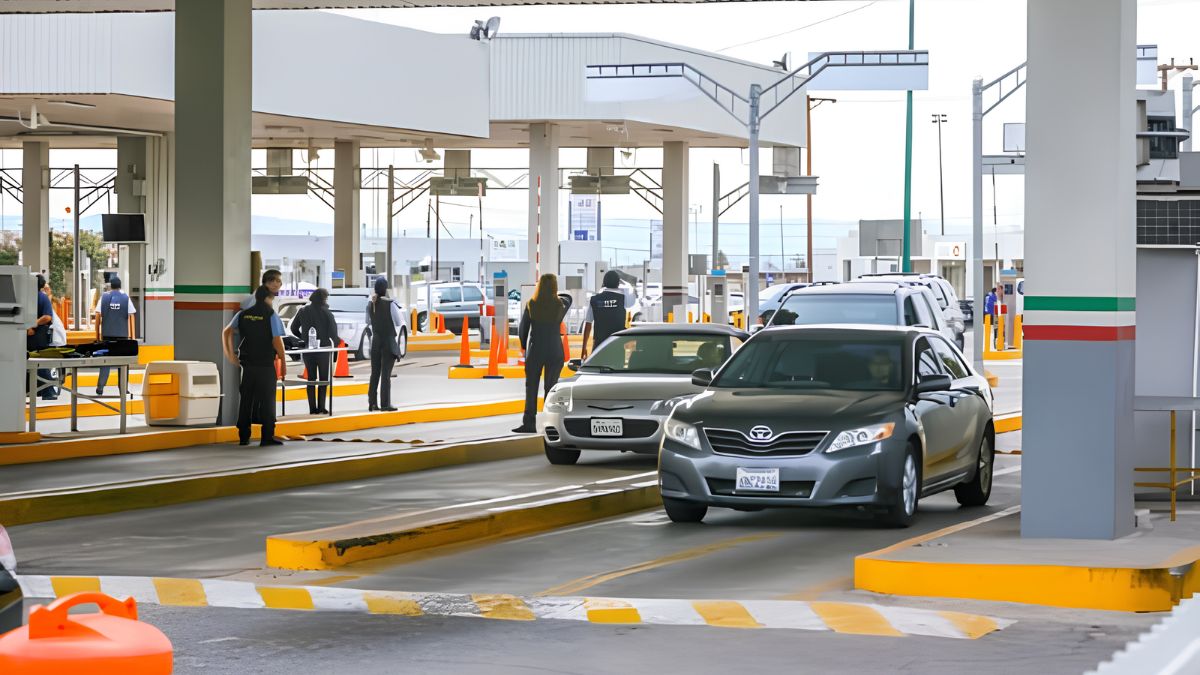
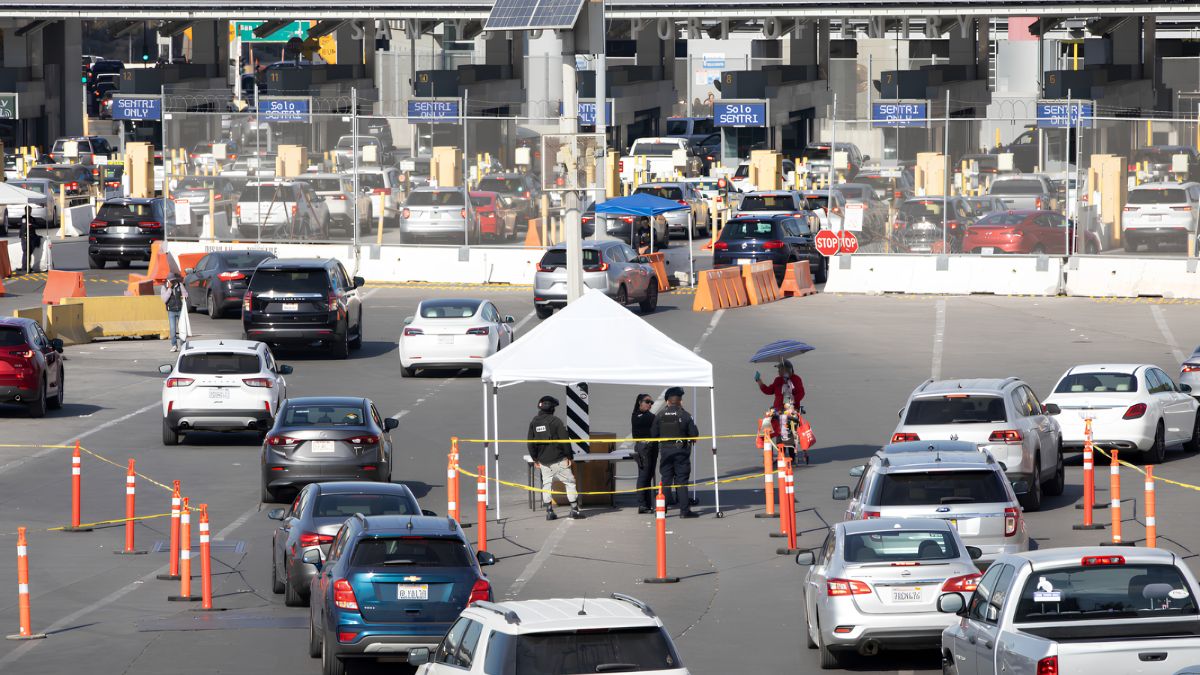
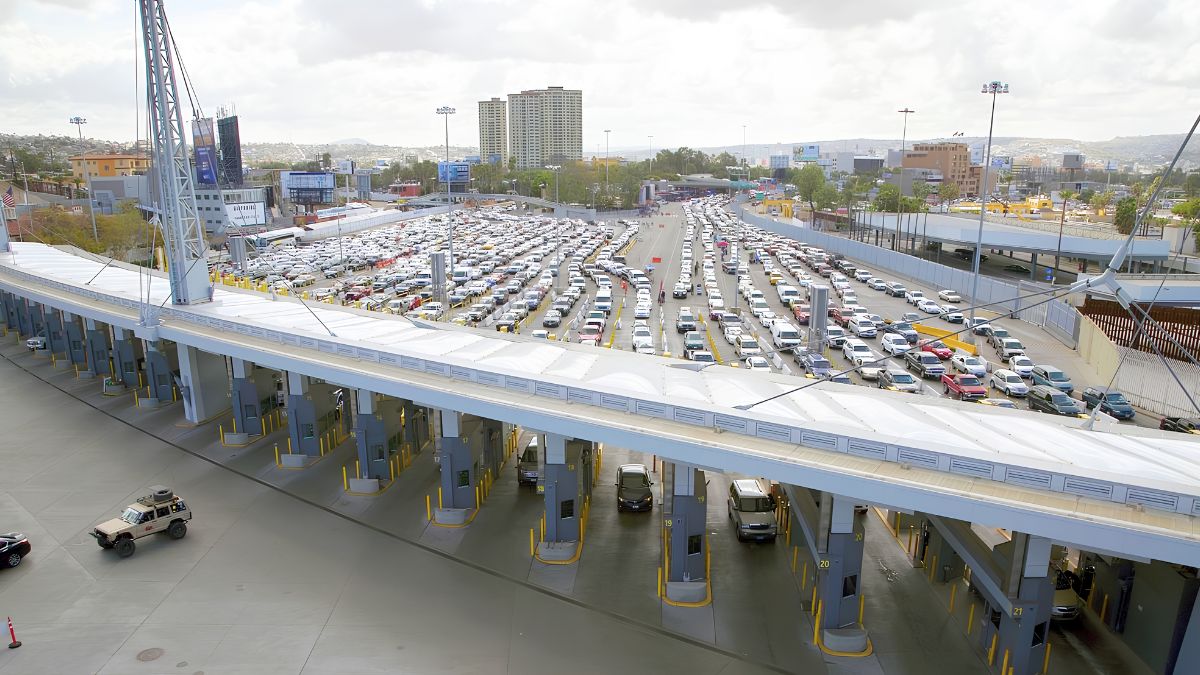
San Ysidro’s cross-border retail environment makes payment compatibility an important consideration. Local businesses may serve residents, commuters, visitors from Mexico and customers who carry cards issued by financial institutions outside the United States.
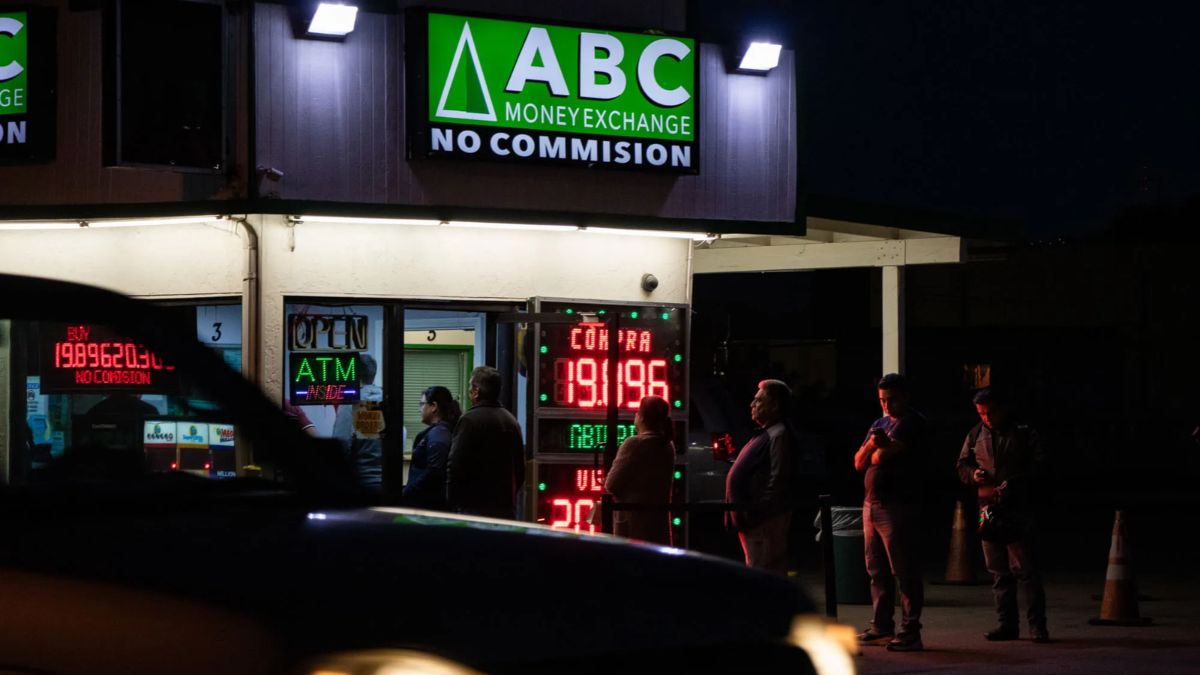
Merchants should ask payment providers whether their systems accept the international card networks and card types relevant to their customers. They should also confirm how foreign-issued cards are handled, whether additional processing charges apply and what exchange-rate arrangements affect transactions.
Currency conversion deserves particular attention. A customer using a card issued in another country may encounter a conversion process determined by the card issuer, payment network or merchant’s payment arrangements. Some terminals also offer dynamic currency conversion, which displays a transaction in the cardholder’s home currency. Merchants should understand the provider’s terms and explain the available choices clearly without making assumptions about what customers prefer.
Businesses should avoid promising that every international card will be accepted. Acceptance depends on the payment processor, card network, issuing bank and applicable transaction controls.
Clear signs showing accepted payment methods can reduce confusion at checkout. Employees should also know where to direct customers when a transaction fails and how to offer an alternative without requesting sensitive account information.
Security
Digital payment systems require sensible security practices, even when a business uses a third-party processor. A small retailer may have fewer devices and employees than a large company, but a compromised payment account or stolen customer information can still create financial and operational problems.
Merchants should select established providers, keep payment terminals and business software updated, restrict system access to authorized employees and use multifactor authentication wherever available. Passwords should not be shared across staff accounts, and former employees should lose access when they leave the business.
The Federal Trade Commission’s cybersecurity guidance for small businesses provides practical advice on protecting data, updating software, recognizing scams and securing business systems.
Businesses that accept payment cards should also know the requirements that apply to their payment environment. The PCI Security Standards Council’s PCI DSS information explains the payment-card data security framework and its intended scope.
Using a reputable processor does not automatically remove every merchant responsibility. Businesses should ask their acquiring bank or payment provider which compliance steps apply to their specific setup. Requirements can depend on how payments are accepted and whether the business stores, processes or transmits cardholder data.
Employees should be trained to recognize suspicious refund requests, unexpected account-verification messages and emails asking them to disclose passwords. Merchants should never ask customers to provide their payment PINs or account passwords as part of an ordinary transaction.
Costs
Processing fees can affect the margins of small businesses, particularly those operating with limited cash flow. Before adopting a new system, merchants should calculate the total cost rather than compare providers using a single advertised rate.
Potential expenses include terminal purchases or rentals, monthly subscriptions, transaction fees, online payment charges, chargeback fees and costs for additional reporting features. Some providers also have contract terms or cancellation charges that make switching services more expensive than expected.
The most suitable option depends on transaction volume, average purchase size and the types of payments a business accepts. A retailer with frequent in-person card transactions may have different requirements from a service provider that sends invoices online.
A useful comparison should include the following:
| Cost factor | Questions to ask |
|---|---|
| Equipment | Is the terminal purchased, rented or included? |
| Processing | What percentage and fixed fee apply per transaction? |
| Monthly charges | Are there recurring software or account fees? |
| International cards | Do different processing rates apply? |
| Refunds | Are original processing fees returned? |
| Disputes | What fees and evidence requirements apply to chargebacks? |
| Deposits | When will completed transactions reach the business account? |
Merchants should review actual statements after adopting a new system. Comparing monthly sales with processing expenses can show whether the service is affordable and whether its benefits justify the cost.
Businesses should also check the rules governing any proposed surcharge or cash discount before introducing one. Applicable payment-network requirements and California law may affect how these arrangements can be presented to customers.
Integration
Payment technology is more useful when it fits into the daily operations of a business. Linking transactions with accounting, inventory or sales-reporting software can reduce manual work and make financial records easier to reconcile.
For example, a retailer may use sales reports to identify frequently purchased products and plan restocking. A restaurant may use daily transaction summaries to compare sales across shifts. A service business may connect digital invoices with its accounting system to track outstanding payments.
However, integration should be introduced carefully. Before choosing software, merchants should confirm compatibility with their existing systems, determine who can access financial information and check whether transaction records can be exported if they change providers.
A business does not necessarily need a complex all-in-one platform. For some merchants, a reliable payment terminal and a straightforward accounting process may be sufficient. More advanced software makes sense when it addresses a clear operational problem, such as repeated data-entry errors or difficulty reconciling sales.
Owners should identify the task that consumes the most time before investing in additional features. This approach keeps technology spending connected to practical business needs.
Marketing
Payment options can form part of a business’s customer-service strategy. Merchants can display accepted payment methods on storefront signs, menus, websites and online ordering pages so customers know what to expect before reaching the checkout.
For businesses that accept mobile wallets, clear signage can help customers identify the option without asking staff. Restaurants and service providers can also use online payment links to make remote transactions more convenient, where appropriate.
Digital receipts may help customers keep records of purchases and simplify bookkeeping. Loyalty programs, digital gift cards and online ordering are other options, although each introduces additional costs and administrative requirements.
Businesses should consider privacy when collecting customer details for receipts or marketing. Transaction information should not automatically be treated as permission to send promotional messages. Merchants should obtain appropriate consent, explain how customer information is used and provide a way to opt out of marketing communications.
For San Ysidro businesses serving a varied customer base, straightforward communication is particularly important. Signs explaining accepted cards, mobile payment options and any relevant transaction conditions can help reduce misunderstandings.
Planning
Small businesses do not need to change their payment systems all at once. A staged approach allows owners to identify practical needs, control spending and evaluate whether new options improve the customer experience.
The first step is to review the current checkout process. Owners can examine transaction records, note customer requests and identify recurring problems, such as slow processing, limited payment acceptance or difficulty reconciling sales.
Next, compare a small number of providers and request written details about fees, contract conditions, settlement times, technical support and security responsibilities. Businesses should test new equipment before relying on it during busy periods and train employees to handle routine transactions, refunds and payment failures.
After implementation, review performance over several months. Relevant measures include transaction costs, failed payments, checkout delays, customer feedback and the time required to reconcile sales. These indicators can help determine whether a new system is delivering sufficient value.
Cash-handling procedures should remain part of the plan. Businesses need clear processes for recording cash sales, securing deposits and continuing operations when digital systems are unavailable.
For San Ysidro’s independent merchants, preparing for changing payment preferences means balancing convenience with reliability, affordability and customer choice. Contactless cards and digital wallets can make transactions easier, but their value depends on selecting suitable providers, protecting payment information and knowing the needs of the people who shop locally. A measured approach allows businesses to modernize checkout while maintaining the flexibility that customers and owners continue to need.
FAQs
What digital payments should San Ysidro businesses accept?
Businesses can consider contactless cards, mobile wallets and online payments based on customer demand and operating needs.
Should small businesses continue accepting cash?
Yes. Cash remains widely used and provides an alternative when digital payment systems are unavailable.
How can merchants compare payment processing fees?
Compare transaction rates, monthly charges, equipment costs, settlement times and contract terms.
Are contactless payments secure?
They use security protections, but merchants should maintain updated equipment and follow applicable security requirements.
Can San Ysidro businesses accept international cards?
Acceptance depends on the payment provider, card network, issuing bank and applicable transaction controls.